
Step 1: Click on the verification button
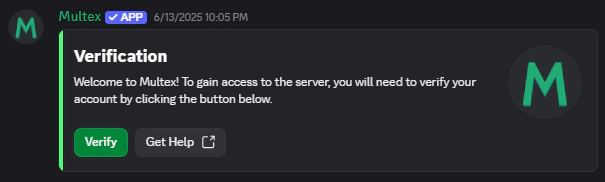
When you see Multex for the first time, it is likely that you encountered a verification channel within some Discord server. If this is not the case, you can start the verification process using the/verify command.
Click on the Verify button on the bottom left corner of the embed. This will take you to the verification page.
Step 2: Verify your account
You may have to login with the website using your Discord account first. Once that is done, you can continue with this step.
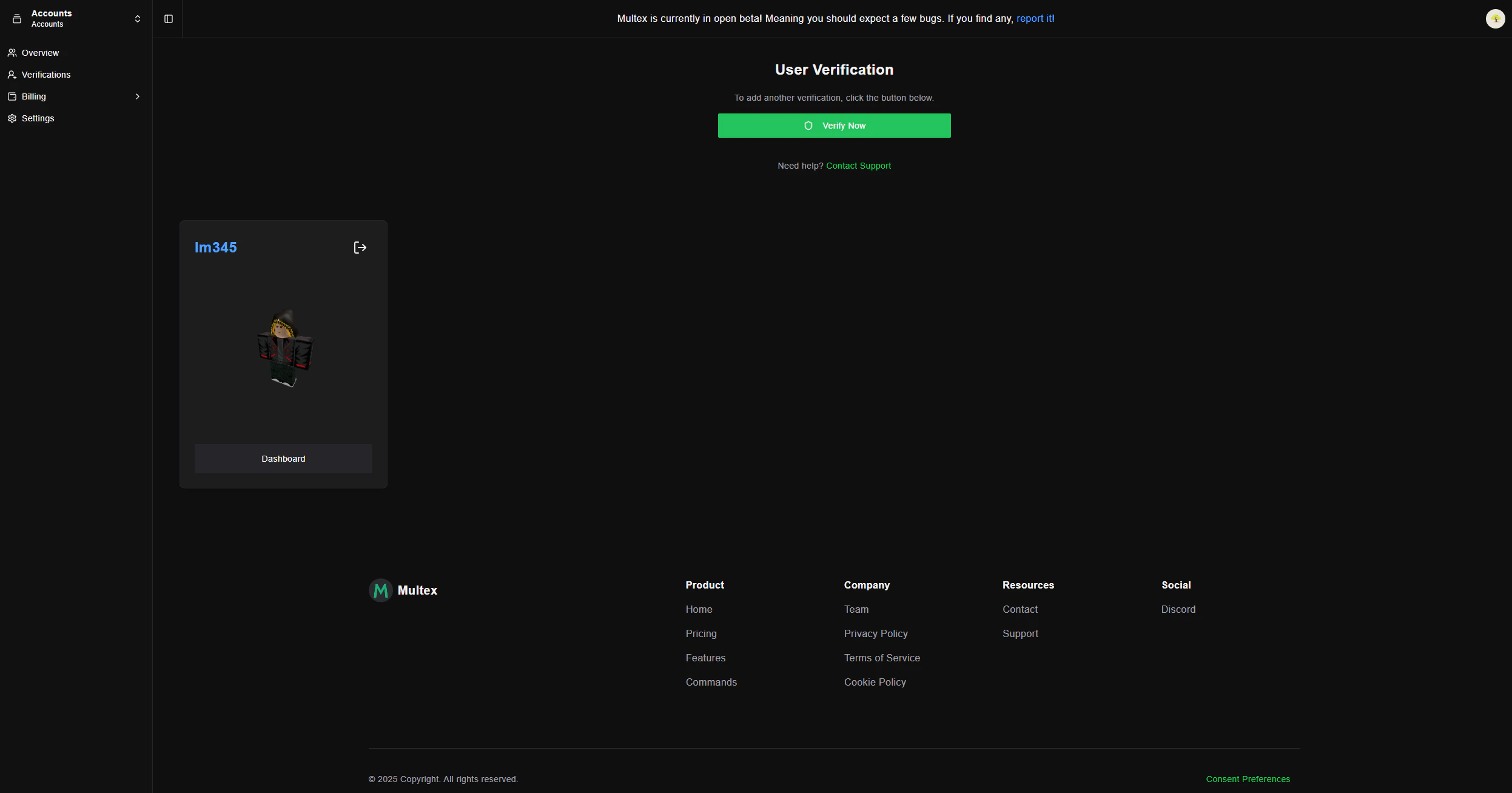
If you see the message below from Roblox, your account’s date of birth is likely set to be under 13 years old. You will need to correct this through Roblox settings. Otherwise, you will not be able to use Multex.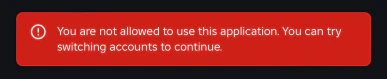
/verify to have your nickname and role(s) properly updated.